
Quick Summary
The rv tire load rating is printed on the sidewall as a load index number and a load range letter, such as E. The load index shows the maximum weight one tire can carry at its rated pressure. To find the right capacity, compare the heaviest wheel position on your loaded rig against the tire manufacturer's chart.
- Check the load range letter and load index printed on the sidewall.
- Compare against your loaded weight, not your empty weight.
- Use the heaviest wheel position on each axle for your calculation.
- Set cold pressure to the value listed for your load on the inflation table.
- Do not inflate to the sidewall maximum; use the chart for your actual load.
Why RV Tire Load Rating Matters for Your Rig
Your RV tires carry more weight than most drivers realize. Every tire has a load rating that tells you the most weight it can safely carry, and that number matters every time you hit the road. Many manufacturers recommend staying within the tire's rated capacity, so knowing where to find it is the first step.
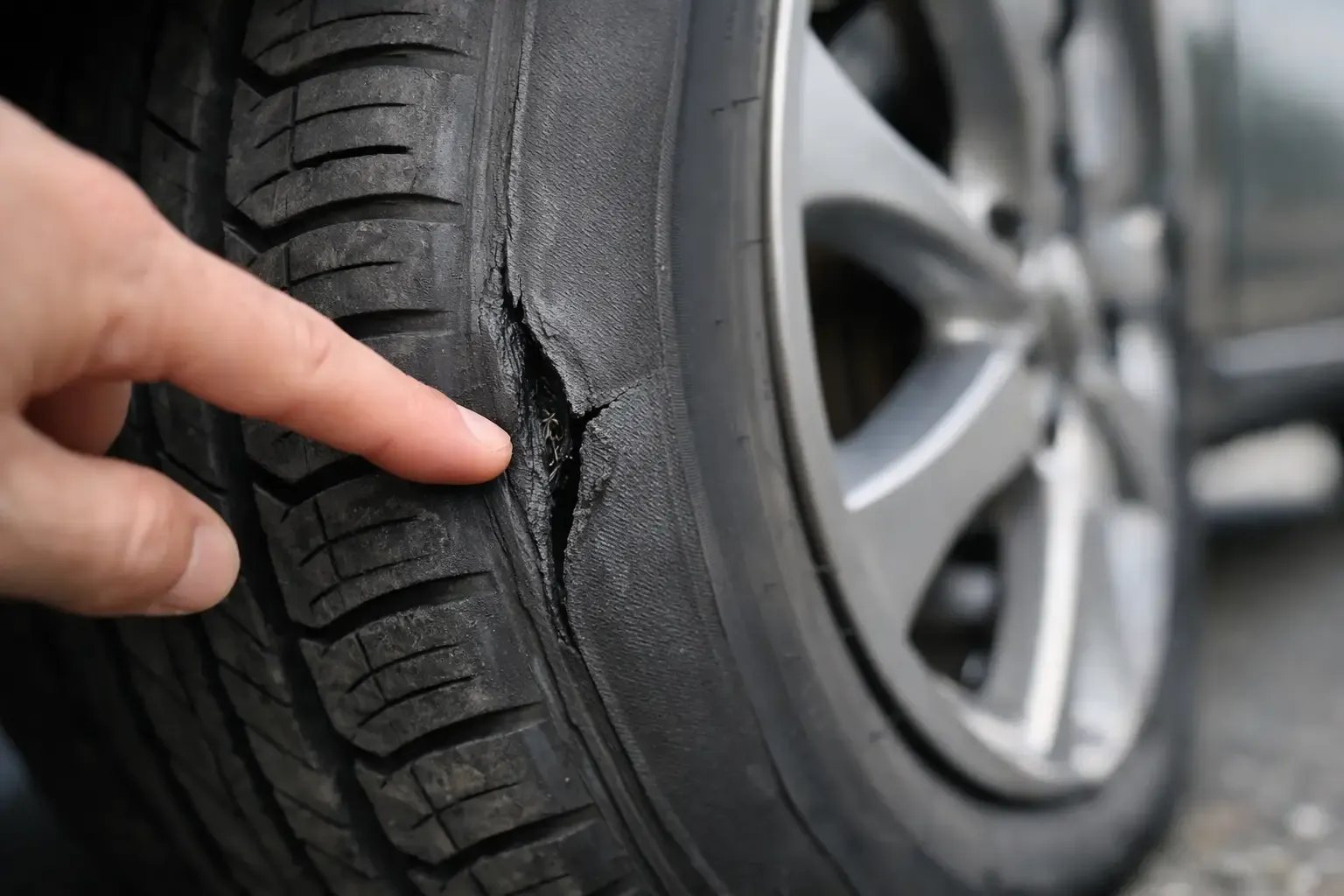
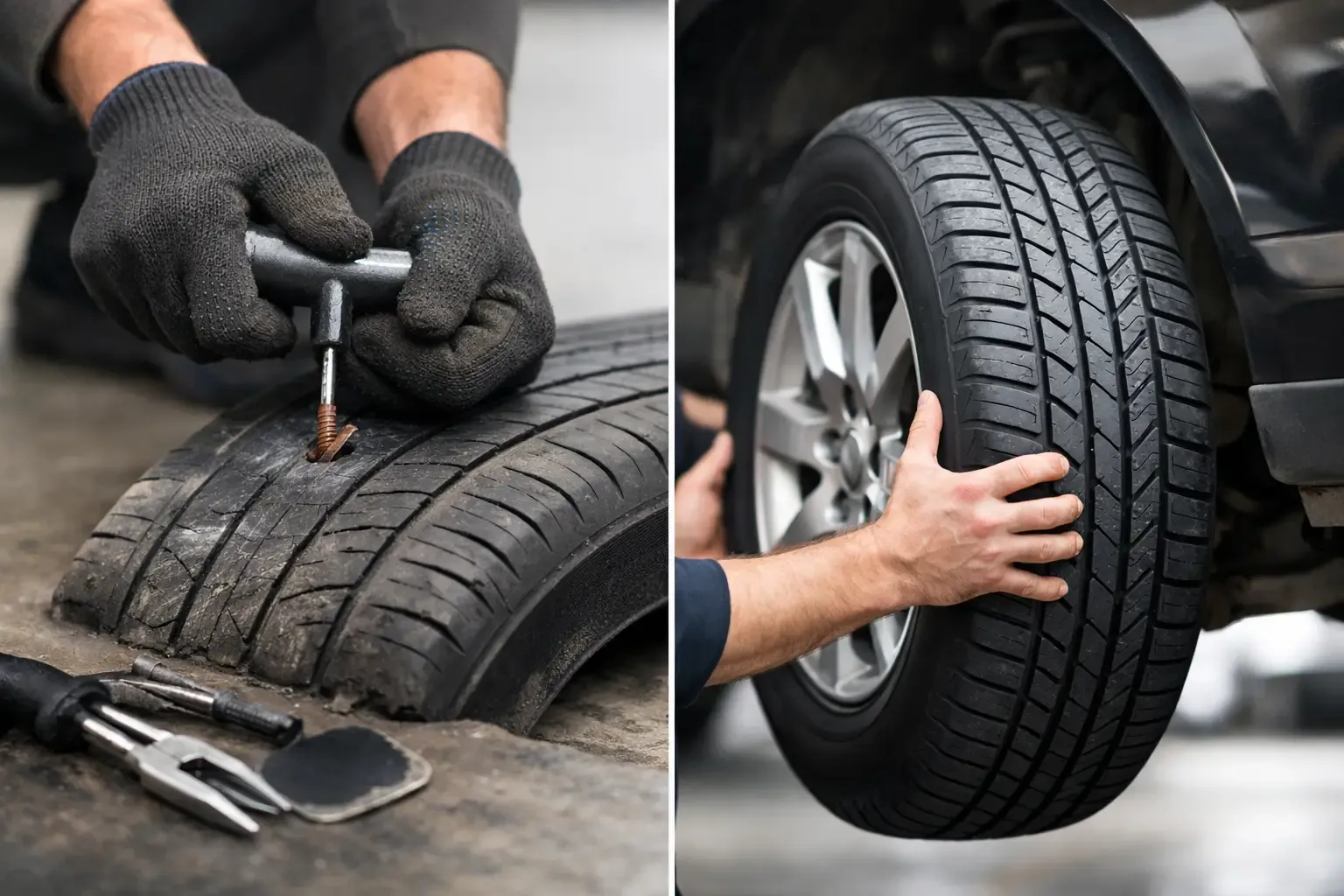
Here is why it matters. A motorhome or travel trailer can weigh several thousand pounds more when loaded with water, gear, food and fuel. Read the full guide to every number on your tire sidewall before you order the right set. Tires that are underrated for that weight run hotter, wear faster and are more prone to failure. A blowout at highway speed is a serious event, not just an inconvenience. Learn how to tell when sidewall damage is serious enough to stop driving.
Many RV owners also overlook the rear axle. Tires on the same axle should match in load rating and size. Mixing ratings can leave one tire working harder than its partner, which is one reason we often recommend replacing tires in pairs on the same axle.
- Check the load range or load index printed on the sidewall
- Compare it against your loaded weight, not your empty weight
- Replace tires that are worn, cracked or past their age limit
How to Read the Load Range and Load Index on Your Sidewall
The sidewall of your tire holds the key numbers. Look for a size code such as "235/80R16," followed by a load index (a two- or three-digit number like "120") and a letter code for load range (such as "E"). The load index maps to a maximum weight in pounds, and the load range letter tells you the tire's ply rating and inflation limit.
Load range letters are usually C, D or E on RV and light truck tires. Load Range E tires are built with more plies and handle higher loads at higher pressures. The load index is the number you will cross-check against the tire manufacturer's published weight charts.
Watch out: the load index on one tire is only the capacity of that single tire. On a dual-wheel axle, you need the combined capacity of both tires, and the axle rating still limits what the whole axle can carry.
RV Tire Load Rating Chart: Load Range vs. Weight Capacity
A load rating chart links each load index to a maximum weight per tire, usually at a stated cold inflation pressure. Tire makers publish these charts, and you should use the chart for your exact tire model rather than a generic table found online.
Because capacity depends on inflation, a tire at its maximum rated load requires its maximum rated pressure. Running lower pressure reduces the safe load, even if the tire looks fine. Always confirm both the weight and the matching pressure on the same chart.
Your tire shop or service technician can help you read the chart against your specific tires and weight. RV & camper tire service from Elite Mobile Tire can check your tires against your rig's weight right at your campsite or home.
Load Range E Weight Capacity: What the Numbers Mean
Load Range E is the workhorse rating on heavier travel trailers, fifth wheels, and many Class A and Class C motorhomes. These tires are built with more plies and are rated to carry more weight at higher cold pressures than a Load Range C or D tire of the same size.
Here is the simple mental model. The load range tells you the tire's build strength. The load index tells you the exact weight that single tire can carry at its rated pressure. The inflation table tells you how much of that capacity you unlock at a given cold pressure.
Worked example: a Class A motorhome. Suppose your loaded four-corner weigh-in shows the heaviest front wheel at 5,100 pounds and the heaviest rear wheel position at 9,400 pounds on a dual-wheel rear axle. The front tire must carry 5,100 pounds, so you look up a load index that covers that at your planned cold pressure.
Worked example: a travel trailer. Suppose the trailer axles weigh 9,200 pounds on a four-tire trailer. That is 2,300 pounds per tire on average, but if the heavy side reads 2,550 pounds, you size to 2,550.
Single versus dual. A dual-wheel axle does not simply double the capacity of one tire, because the axle rating, wheel rating, and tire spacing all cap what the pair can legally and safely carry. Always check the axle's GAWR and the wheel's own rating alongside the tire chart. The lowest of the three wins.
Why pressure matters so much on Load Range E. A Load Range E tire run at a lower pressure than the chart calls for is carrying more load than its inflated capacity allows. It flexes more, runs hotter, and is far more likely to fail on a hot highway pull.
Watch out: do not inflate to the sidewall maximum just because it is printed there. The sidewall max is the tire's ceiling, not your rig's target. Use the inflation table for your actual load.
If you are unsure what the numbers mean for your rig, call our team at 614-344-5010 and we can walk through your sidewall with you.
How to Weigh an RV by Axle to Find Your Real Load
Guessing your RV weight is the most common mistake we see, and it is the one that quietly eats your safety margin. Check your trailer tires before a late-season trip once you know your real numbers.
Step 1: Load the rig the way you actually travel. Fill the fresh water tank, load the propane, pack the gear, and have passengers in their seats. An empty weigh-in tells you almost nothing about a real trip down I-71 or US-23.
Step 2: Find a certified scale. Certified scales are available at many public and commercial locations, and you can find one by searching online or asking your local truck stop or weigh station.
Step 3: Weigh by axle first. Pull onto the scale so the front axle sits on one pad and the rear axle on another. Record the steer axle weight and the drive or trailer axle weight separately. If the scale only gives you a total, ask for a re-weigh with one axle off the pad.
Step 4: Weigh each wheel position. This is the step most owners skip, and it is where the real answers live. Axle totals can hide a heavy side.
Step 5: Convert weight to a per-tire target. For a single-wheel axle, divide the heavier side's wheel weight by one. For a dual-wheel axle, divide the heavier side's weight by two. Always use the heaviest wheel position on the axle, not the average, because that tire is the one doing the most work.
Step 6: Weigh the tow vehicle and trailer separately. For a travel trailer or fifth wheel, weigh the tow vehicle alone, then the combination, then the trailer axles alone. The difference gives you tongue or pin weight, which lands on the tow vehicle's rear axle and its tires.
- Weigh loaded, not empty
- Record front, rear, and each wheel position
- Use the heaviest wheel on each axle for your calculation
- Keep the printout in the coach so you can compare after any major load change
Watch out: a scale ticket that only shows total weight can lull you into thinking you are fine when one corner is overloaded. If you cannot get wheel-position weights, leave a generous safety margin rather than trusting the axle average.
If you are not sure how to read your scale ticket against your sidewall, call our team at 614-344-5010 and we can walk through the numbers with you.
RV Tire Load and Inflation Tables: Matching Pressure to Weight
Every load-rated tire has a matching inflation table. Get ideal PSI and sensor care tips to keep pressure correct on the road. The table shows the pressure needed for a given load. Start with the weight per tire you calculated, find the matching row, and set the pressure to the value listed. Check pressure cold, before driving, using an accurate gauge.
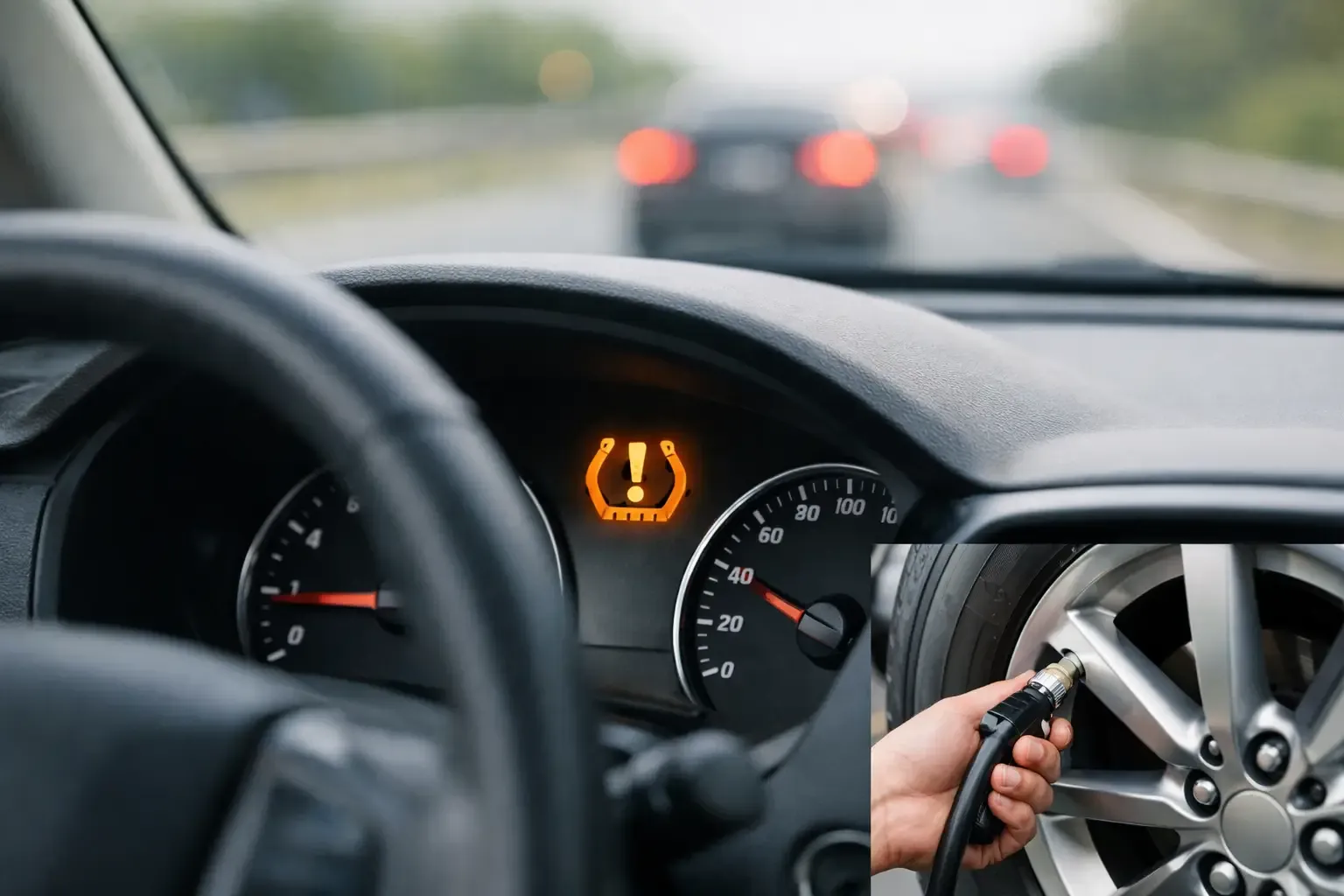
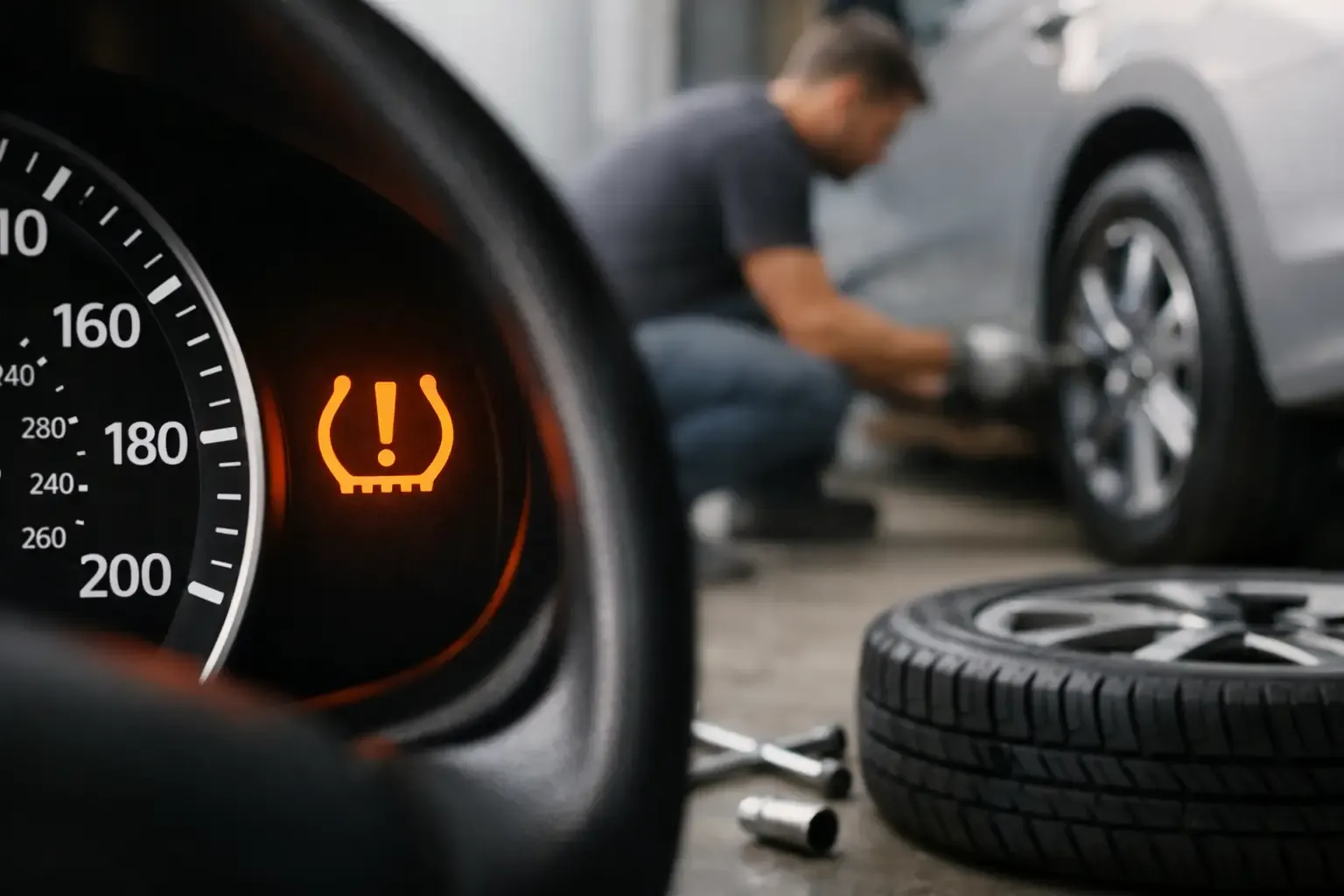
Tire pressure monitoring systems (TPMS) can help you spot pressure loss on the road, but they do not replace a manual check. Many manufacturers recommend checking pressure at least monthly and before long trips. Sensors also need to be checked and maintained as part of routine service, and our TPMS sensor check & replacement service can look at them for you.
Pressure changes with temperature, so a tire set in cool morning air may read lower than it does after driving. Adjust to the cold-set number on the chart, not the reading you get after a long drive.
Use this quick reference to match your calculated weight per tire to the pressure it needs.
Step | What to do | When
Calculate weight per tire | Use the heaviest wheel position on the axle | After each weigh-in
Find the matching row | Locate the load on your tire's inflation table | Before setting pressure
Set cold pressure | Inflate to the value listed for that load | Before driving
Check pressure again | Use an accurate gauge, not your eye | At least monthly and before long trips
Book a Full-Set Tire Check Before Your Next Trip
If your RV tires are close to their load limits, worn unevenly or past their age, do not wait until a fall trip to find out. Checking all of your tires together is the smartest move, since a problem on one tire often means the others are close behind.
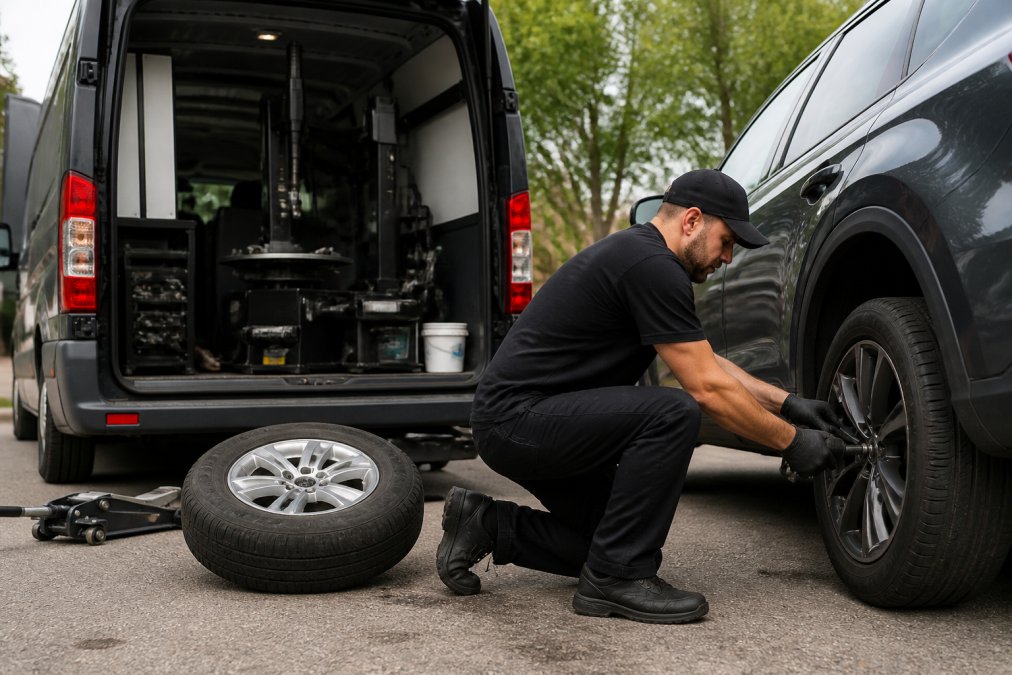
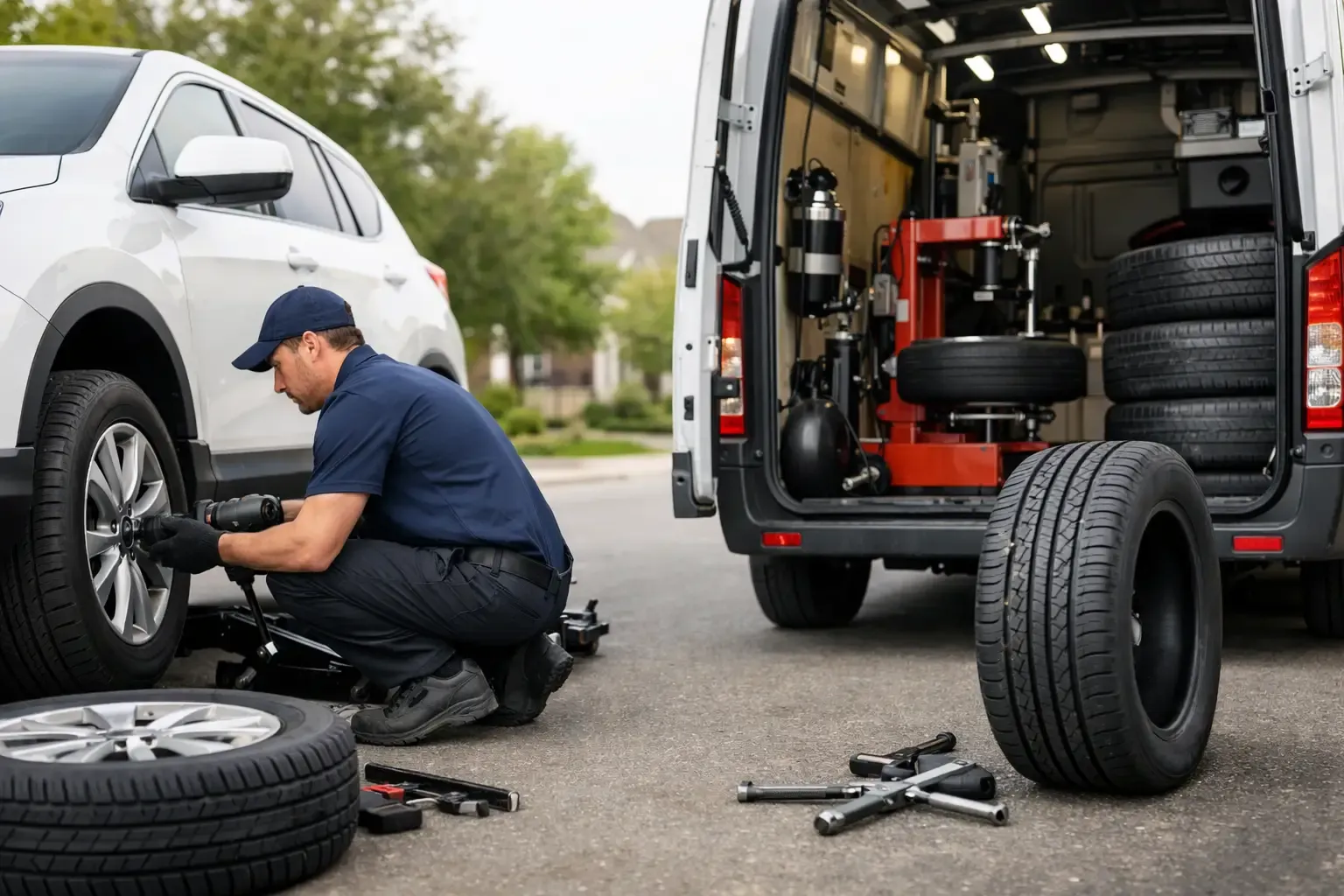
Elite Mobile Tire comes to your home, campsite or job site in the Columbus area, including Obetz, Groveport, Grove City and Pickerington. Book a mobile installation of a full set where you are. Our technicians check all four tires on every job, not just the one you called about. We also offer financing on a full set through Afterpay and Acima, with plans up to 24 months.
For a quote on a full set of RV tires, call 614-344-5010 or book online at elitemobiletire.com. We're open 24/7, including weekends and overnight, so book whenever it fits your schedule.
Frequently Asked Questions
How do I find the load rating for my RV tires?
Look at the sidewall of each tire. The load index is a number, such as 121 or 126, and the load range is a letter, such as E. Together they tell you the maximum weight one tire can carry at a stated pressure. The sidewall also lists the maximum pressure in PSI. Many RV owners never check these markings, so compare them against the tire manufacturer's load and inflation table for your exact size. If the markings are worn or unreadable, have a technician confirm the rating before you travel.
How much weight can an RV tire carry?
It depends on the tire's load index and the pressure you run. A tire's maximum capacity is printed as a load index and is only valid at the matching inflation pressure. Lower pressure reduces capacity, so a tire rated for a given load at 80 PSI may carry less when underinflated. Your RV's actual axle weight must stay below the combined rated capacity of the tires on that axle. Weigh the RV loaded for travel to get a real number before comparing it with the tire chart.
Does tire load capacity change with inflation pressure?
Yes. Load capacity is tied to pressure, so a tire at its printed maximum pressure carries its full rated load, while lower pressure lowers the safe limit. Many manufacturers publish load and inflation tables that show the allowed weight at each pressure. Check cold pressure in the morning before driving, and never inflate above the sidewall maximum. If you are carrying more weight than the tire rating allows, a higher pressure within the sidewall limit is not a fix; the solution is reducing load or moving to a higher-capacity tire.
Ready for a new set? Elite Mobile Tire is open 24/7 and installs 2 or 4 new tires right in your driveway or parking lot anywhere around Columbus, Obetz, Groveport, Grove City, and Reynoldsburg. Financing is available through Afterpay and Acima with up to 24-month payment plans. Call 614-344-5010 or visit elitemobiletire.com to book.